Accounts
1. Changing Account Information
-
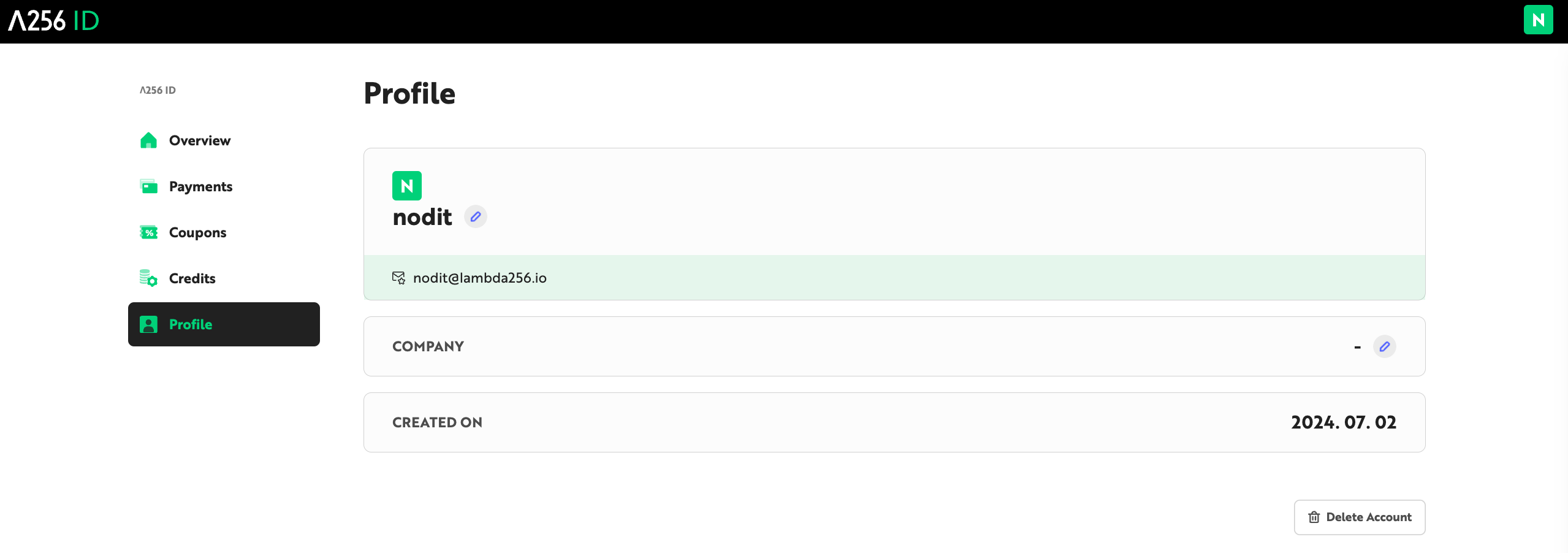
Navigate to the [Profile] tab in Lambda256 ID. You can check your registered account information.
-
Click the [pencil] emoji to change Profile Name and Company Name.
-
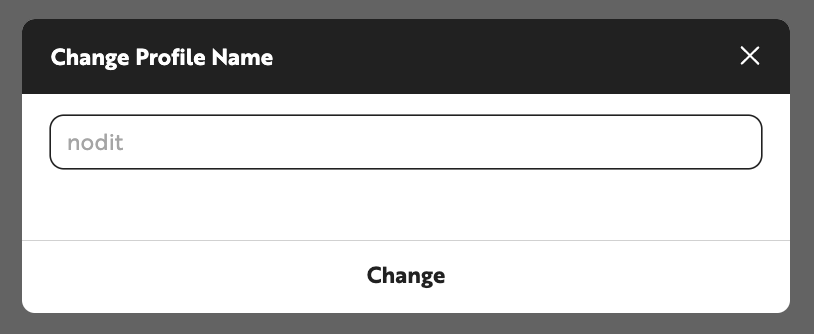
Enter the information to change in the popup window and click the [Change] button.
- Profile Name can be entered with 2-20 characters excluding special characters.
- Company Name can be entered with 1-50 characters including special characters.
Q: Can I change my Email?
A: No, you cannot change the email you signed up with.
Q: What information can I receive via Email?
A: Notice, Invoice, Receipt, Newsletter, etc. are sent to the registered email.
2. Deleting Account
When you delete your account, the following restrictions occur:
- You cannot log in to your account.
- All personal information and assets contained in the account cannot be recovered.
- You cannot sign up with the same account for 30 days from the date of deletion completion.
- The Crypto Balance remaining in the account will automatically expire upon deletion and cannot be recovered. Please make sure to complete Balance withdrawal before deleting your account.
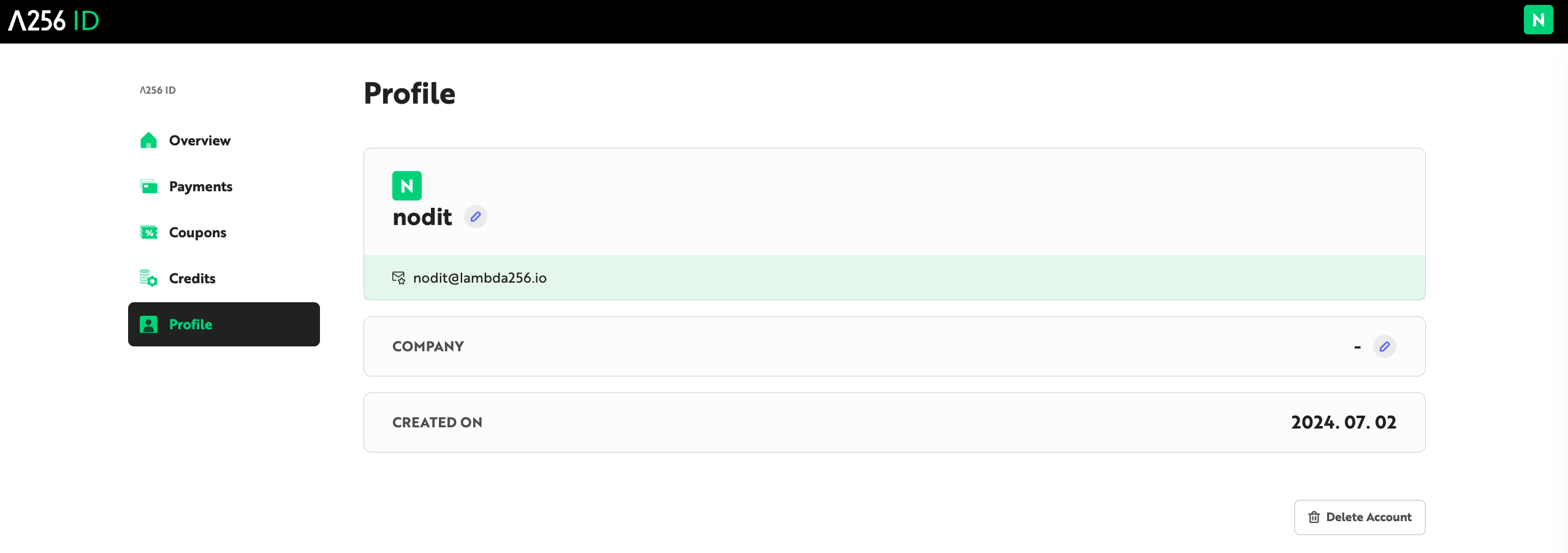
- Navigate to the [Profile] tab in Lambda256 ID. You can check your registered account information.
-
Click the [Delete Account] button.
-
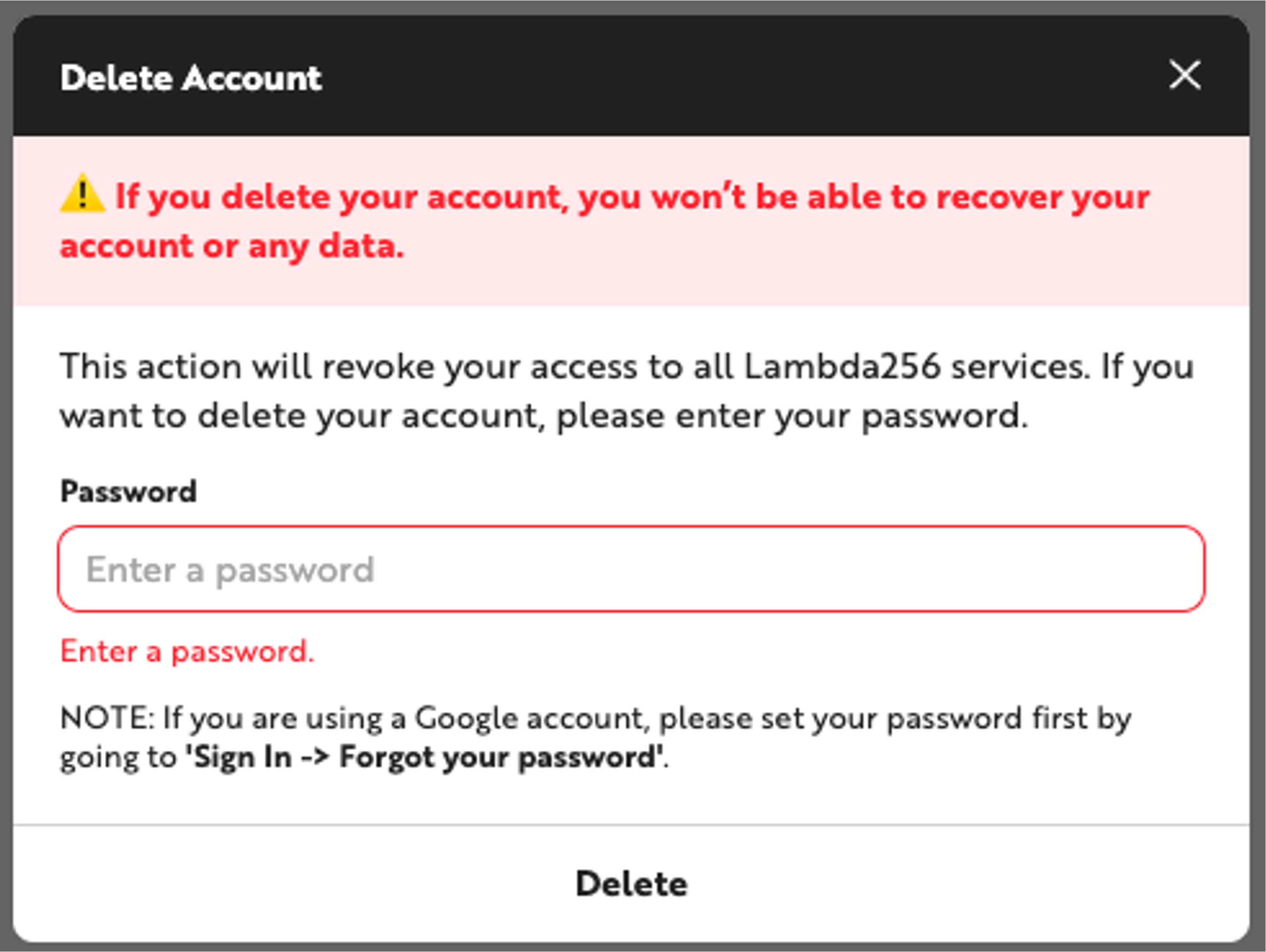
In the [Delete Account] popup window, check the notice about data being unrecoverable upon deletion, then enter your password. Clicking the [Delete] button will immediately complete the deletion.
Q: Can I withdraw after requesting account deletion?
A: When a customer requests deletion, deletion occurs immediately, and withdrawal from deletion is not possible.
Q: I can't delete my account?
A: To delete your account, you must have no active paid plan subscriptions and no outstanding charges at the time of deletion request.