Service Status Monitoring
Nodit Status Page Guide
We provide the Nodit Status page for Nodit customers. Any Nodit customer can use it by clicking the [Service Status] menu at the top of the developer documentation. The Nodit Status page provides the following features:
- Real-time Node Operation Status Provision
- Check Work Schedule
- Check Recent Incident History
- Subscribe to Event Notifications (Email, RSS, JSON Data, Webhook)
Real-time Node Operation Status Provision
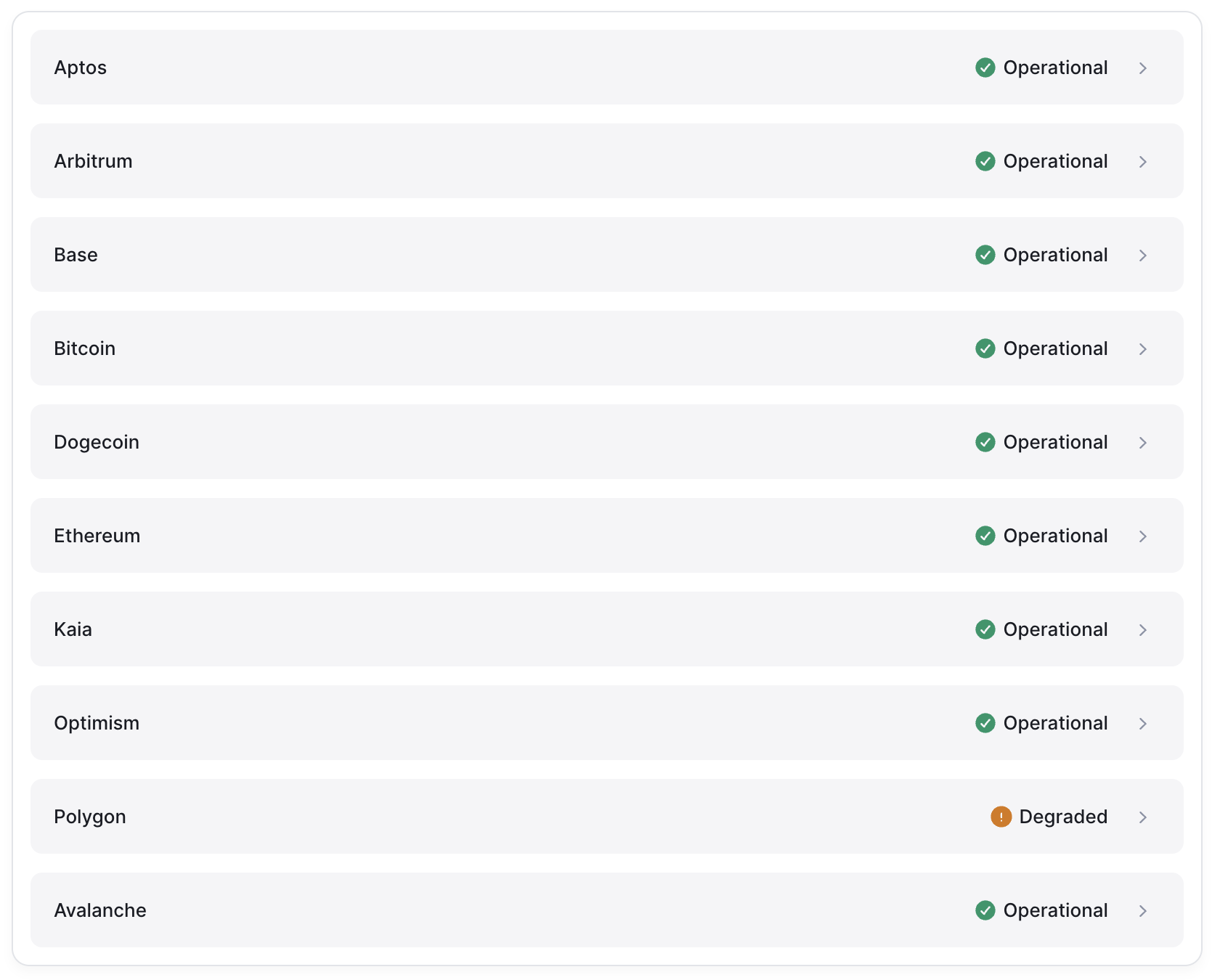
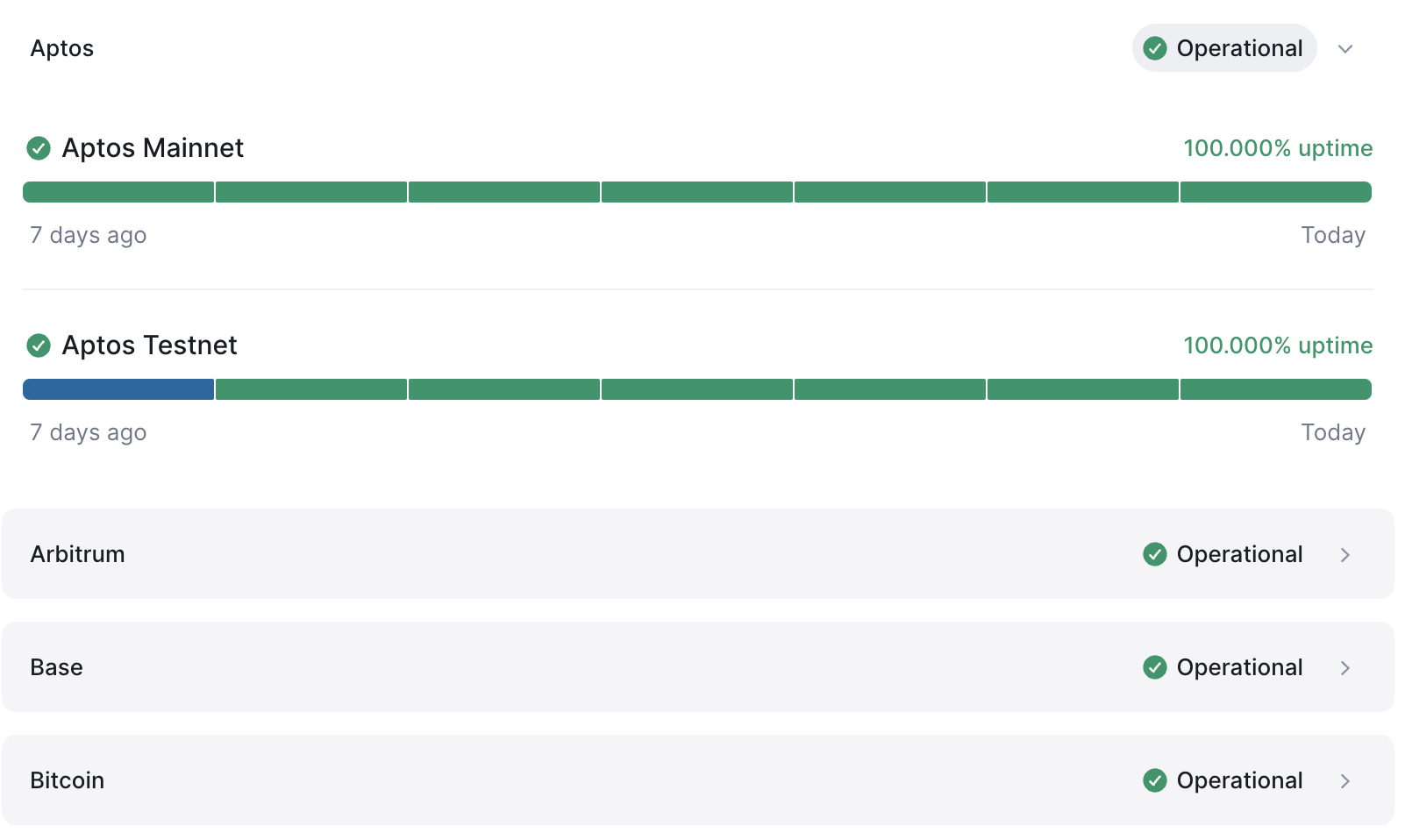
In the Status menu, you can check the operation status of all Elastic Nodes and Dedicated Nodes provided by Nodit in real-time. Status pages for Dedicated Node customers are provided separately. Clicking each chain item displays the status history for that node for the past 7 days. If service degradation occurred on a specific date due to events or infrastructure work, you can check that information together.
Check Work Schedule
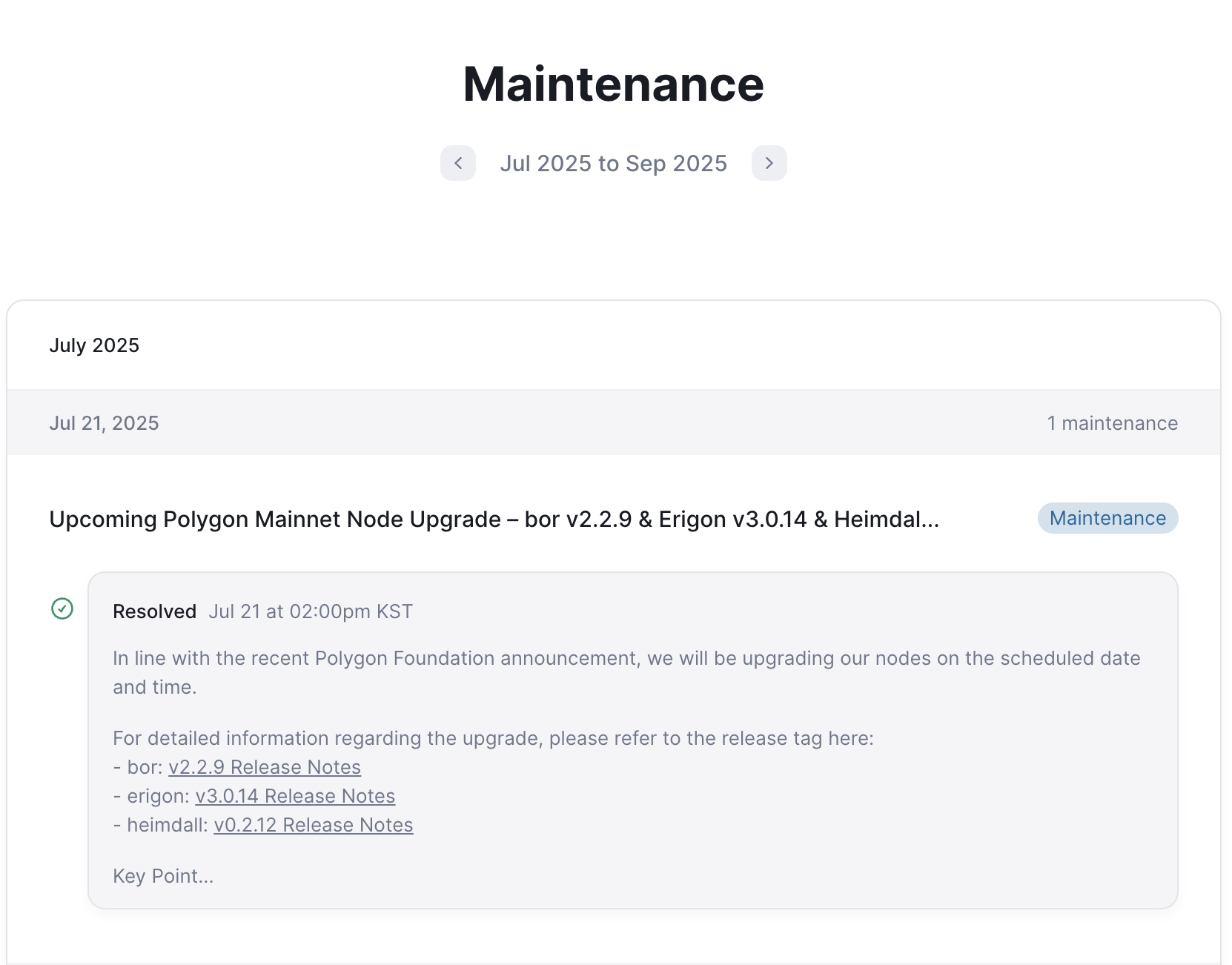
You can check major maintenance work schedules that affect node services in advance by clicking the Maintenance menu, such as node client upgrades, network work for infrastructure expansion or stabilization. You can minimize service impact by referring to announced work schedules.
Check Recent Incident History
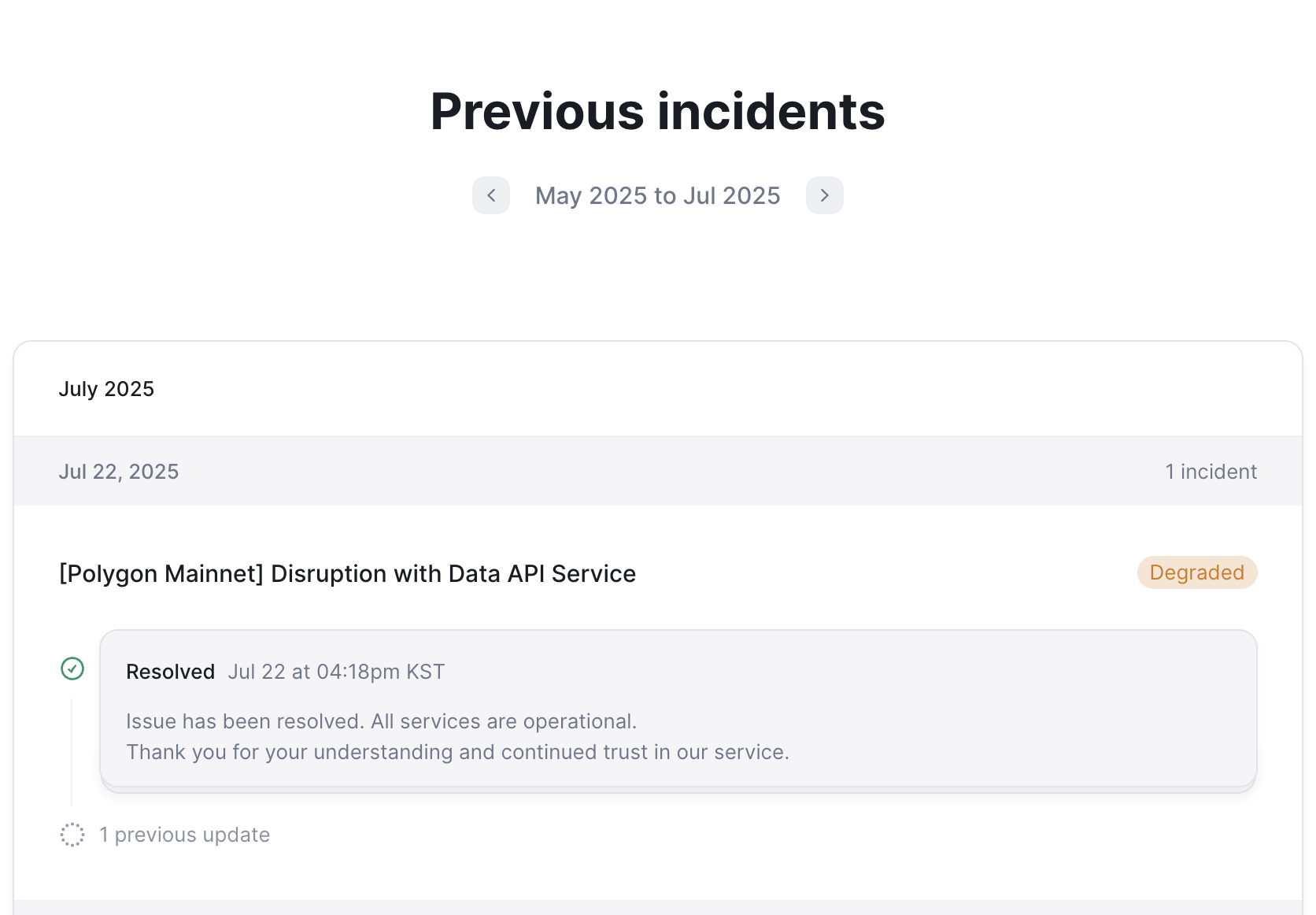
You can check recent Incident history that occurred in the service by clicking the Previous Incident menu. You can easily check the target chain, content, occurrence date and time, and whether the issue persists at a glance.
Subscribe to Event Notifications
You can subscribe to Nodit major work schedules or Incident status in real-time by clicking the [Get updates] button at the top right. Four subscription methods are supported: Email, RSS feed, JSON data, and Webhook.
Subscribe via Email
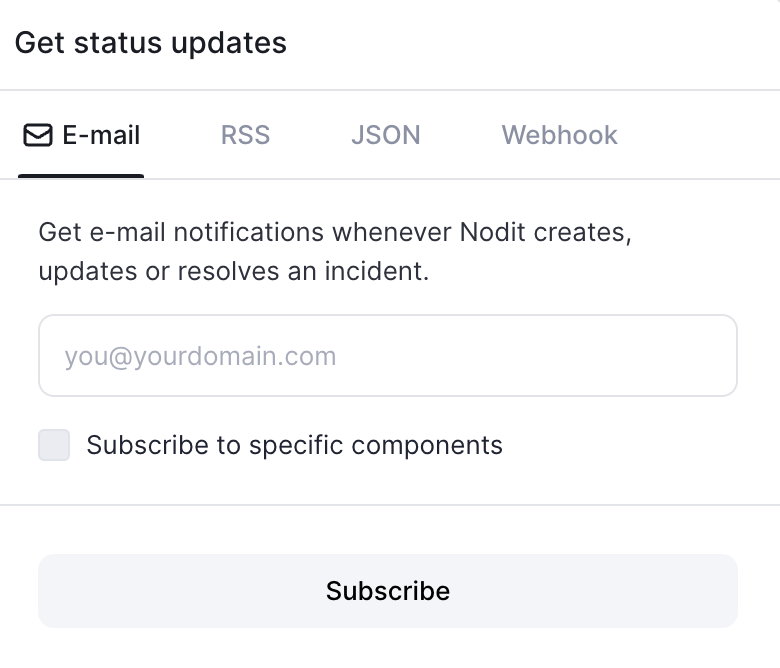
Enter the email address where you want to receive Notifications in the email address input field. If you want to receive only events for specific chains, select the 'Subscribe to specific components' checkbox and then select the desired chains from the target chain list.
Clicking the [Subscribe] button completes the subscription, and thereafter, when work or Incidents occur on selected chains, the content is automatically sent to the entered email address.
RSS
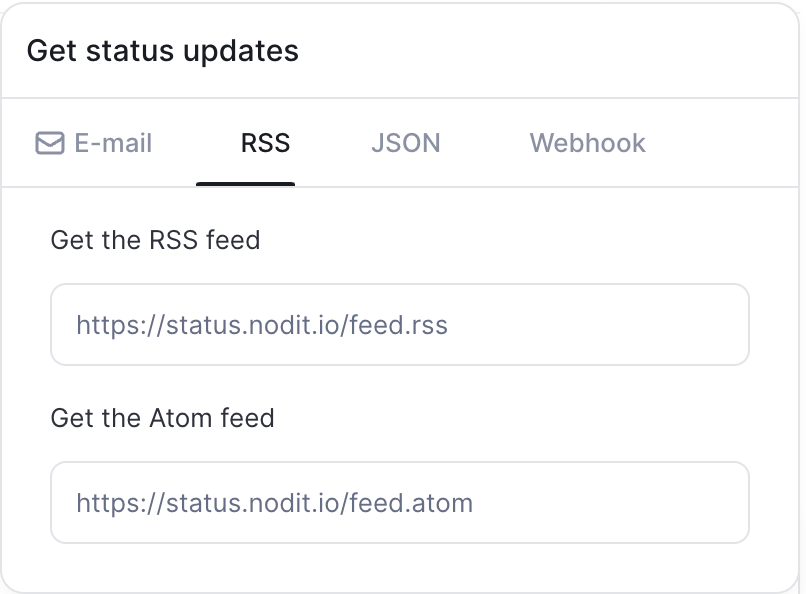
You can subscribe to status updates in real-time through RSS or Atom feeds. Easily integrate through RSS readers or tools that support feed subscription (Feedly, Thunderbird, Slack external apps, etc.).
RSS Feed Subscription Address
https://status.nodit.io/feed.rss
Atom Feed Subscription Address
https://status.nodit.io/feed.atom
JSON
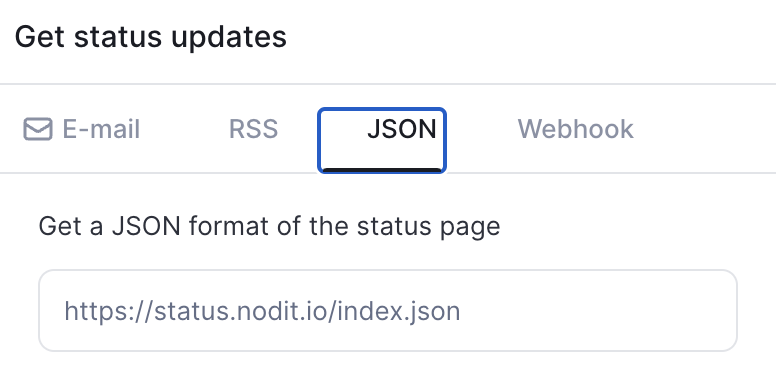
If you are monitoring Nodit failure situations and linking them to services through integration with your own monitoring system, you can query the Status page in JSON format to obtain necessary data items. Status page information in JSON format can be queried at https://status.nodit.io/index.json.
Webhook
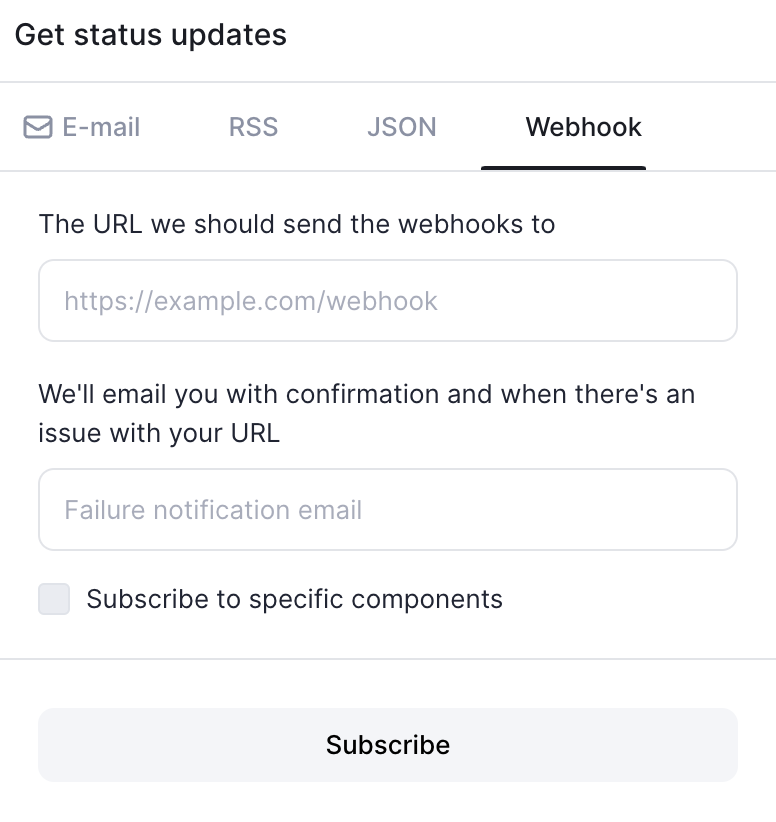
This is a feature that can deliver the content to the entered Webhook URL when event Notifications occur. After checking the Webhook URL of operational tools such as operational servers or Slack channels, register the Webhook by entering it on the Nodit Status page.
If there is a problem with the entered Endpoint making Webhook delivery difficult, you must also enter an email address where this can be notified. Like email subscription, you can selectively subscribe only to events related to specific chains you want to monitor.