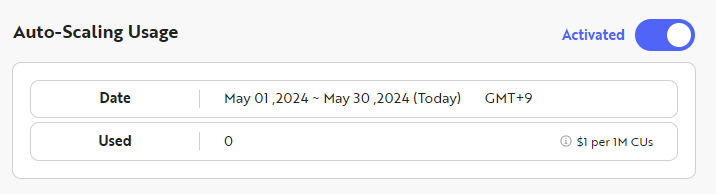
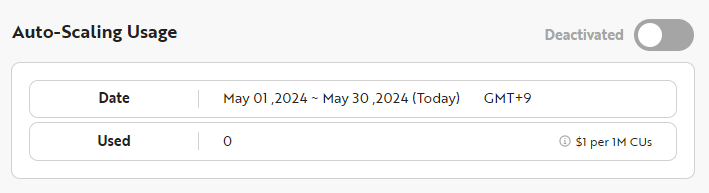
Auto Scaling
What is Auto-scaling?
Auto-scaling is a feature that allows you to use Nodit without service interruption by charging only for exceeded usage even when all CUs allowed by your Plan are exhausted due to unexpected workload occurrences. It is only available on paid plans (Starter Plus plan or higher), and the additional billing amount is paid through the Payment Method registered in the Nodit console. The pricing policy applied to Auto-scaling overage usage is shown in the table below.
Spec | Starter | Starter Plus | Developer | Business | Dedicated |
|---|---|---|---|---|---|
Auto-Scaling | Not Supported | $1.0/1M CUs | $1.0/1M CUs | $1.0/1M CUs | Custom |
How can I use Auto-scaling?
The Auto-scaling feature is initially disabled, and activation is required to use the feature. The method to activate Auto-scaling through the console is as follows:
-
After logging into the Nodit console, navigate to the Account Dashboard page. You can navigate by clicking the NODIT icon at the top of the left menu in the console.
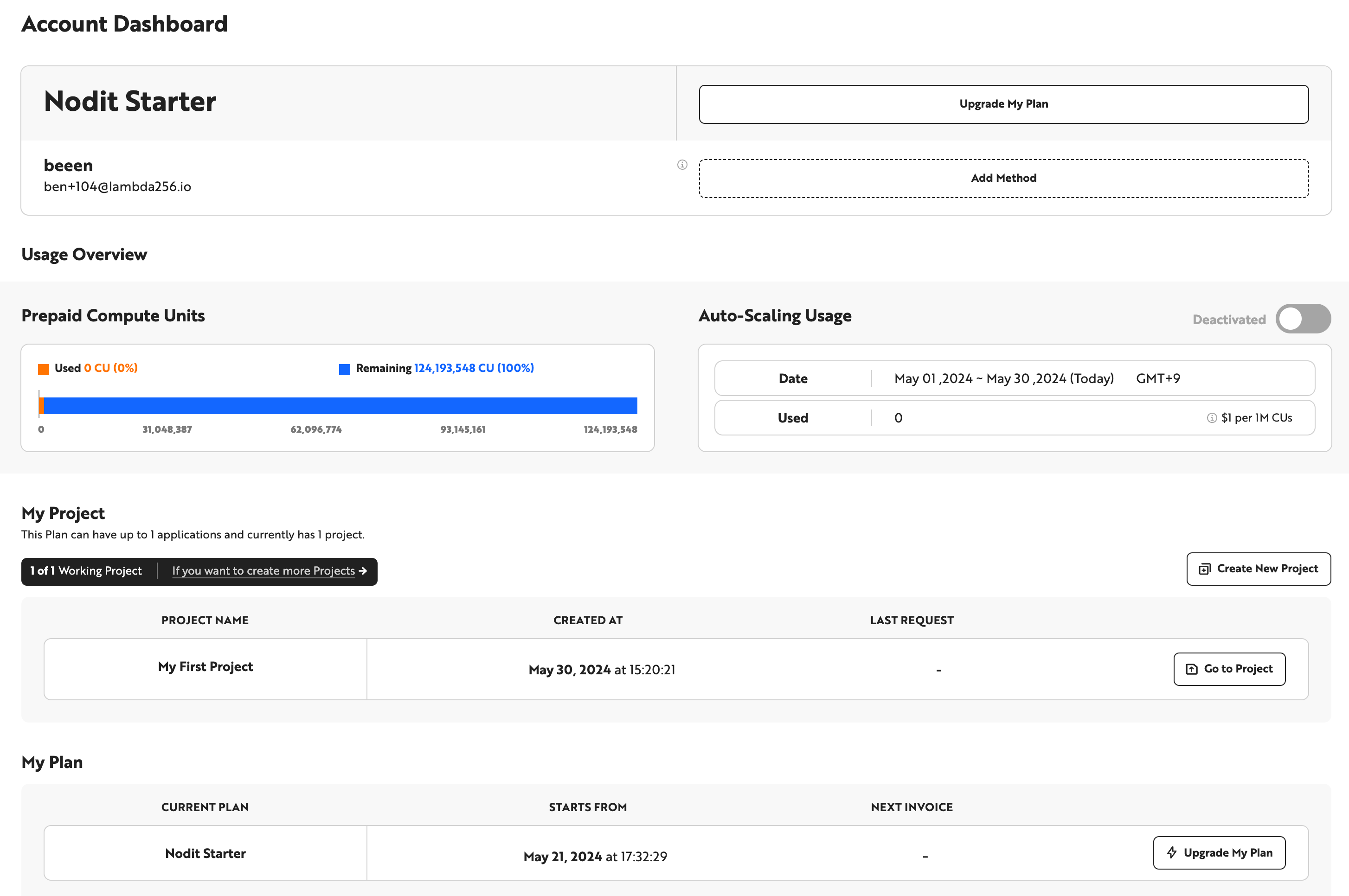
- You can enable/disable Auto-scaling by clicking the Toggle to the right of Auto-scaling Usage.
If you do not want additional charges, please keep Auto-scaling disabled.